SayAll Images
NSFW AI Image Editor
Start with your image. Describe a new setting, lighting, or style with SayAll’s uncensored AI image editor.
Edit an ImageOne reference. A different scene.
This actual SayAll edit changes the setting, lighting, and outfit. Compare the result with the source and read the full instruction.
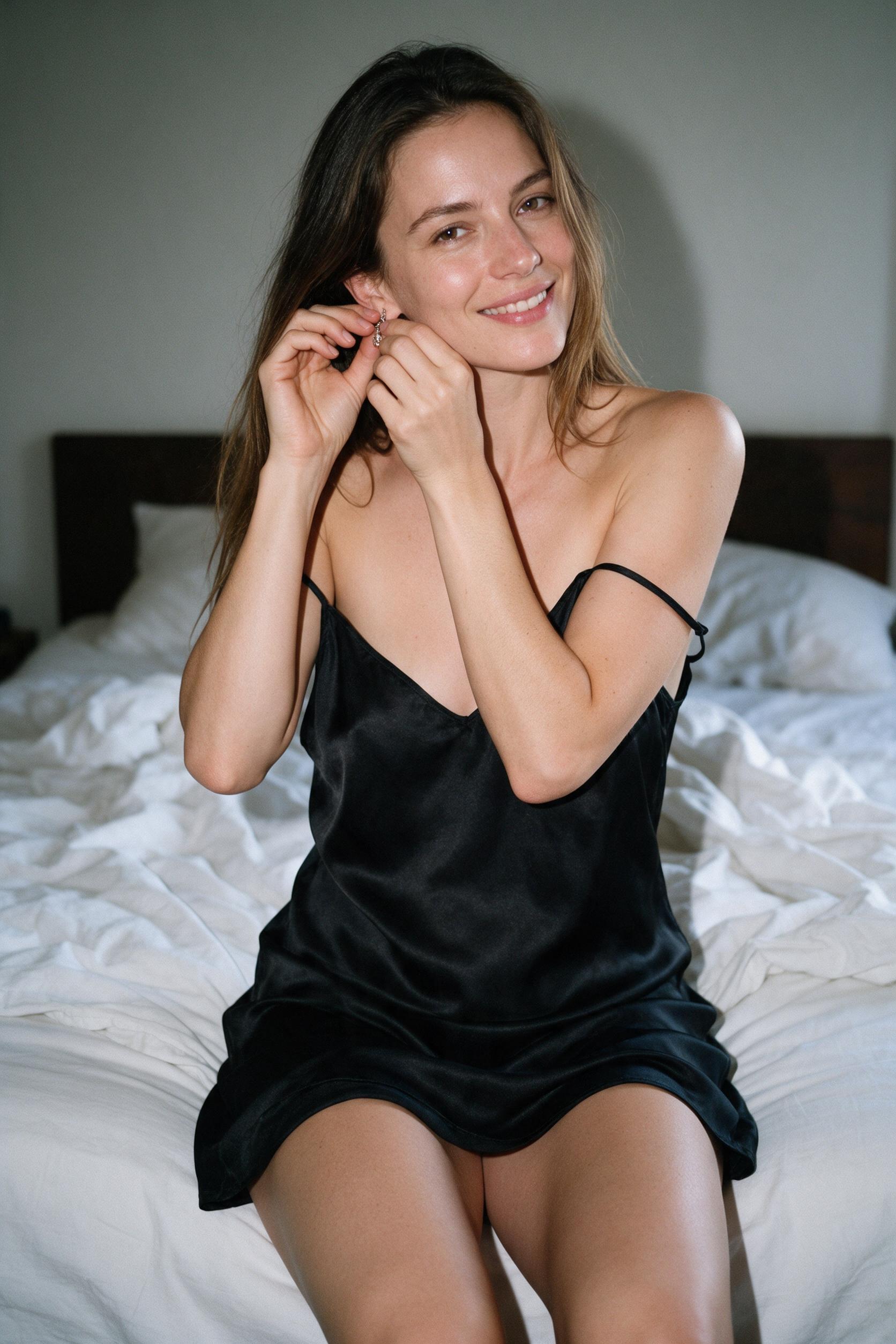
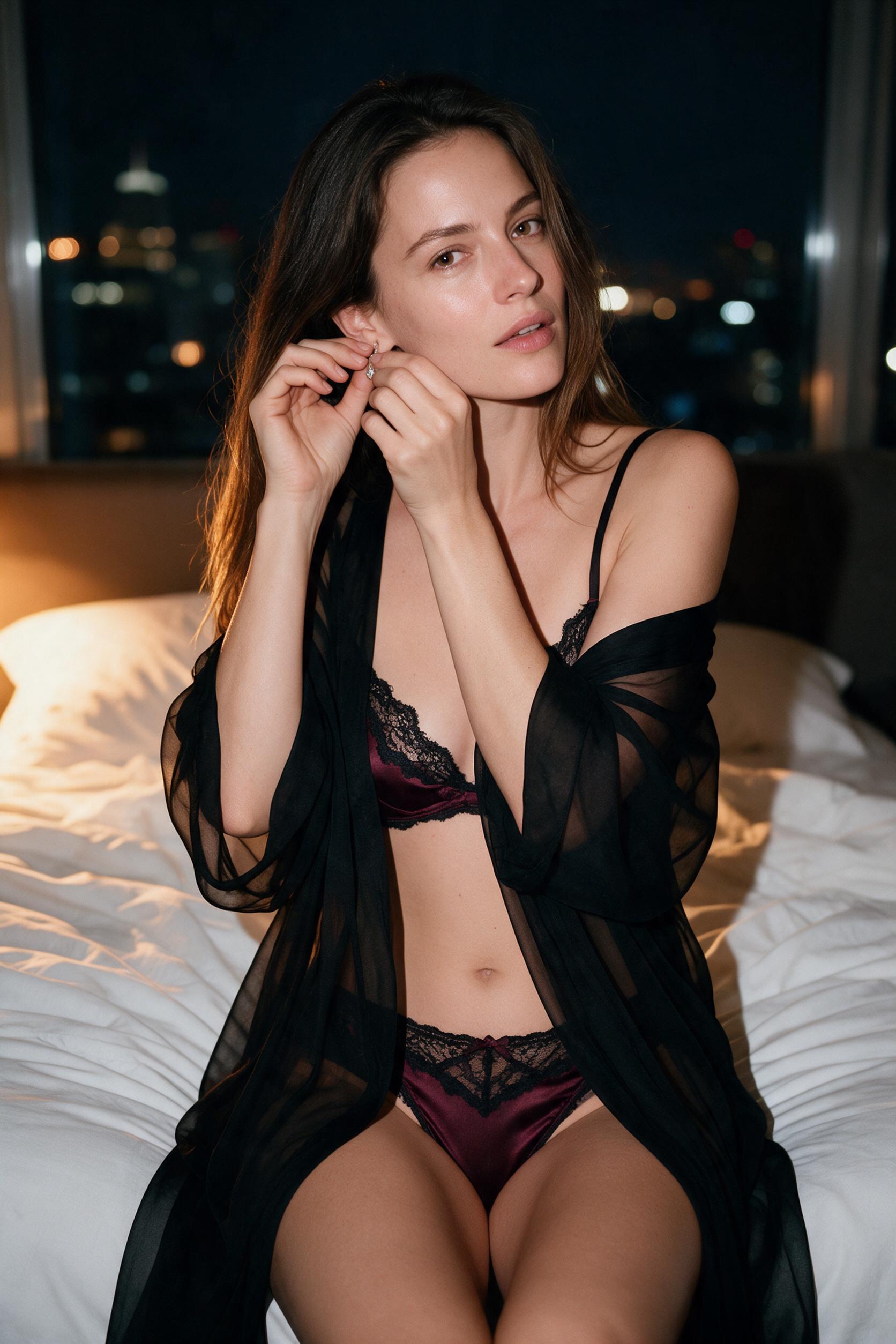
Keep the person and pose. Change the black slip to burgundy satin and lace, add a sheer robe, and bring in warm light and a city nightscape.
View the full prompt
Transform this portrait into a seductive, high-end boudoir editorial of the same adult woman in her thirties. Preserve her facial identity, hair, natural proportions, seated pose and hand placement. Replace the black slip with deep burgundy satin lingerie with delicate black lace trim and a loosely draped sheer black robe, keeping the bust and pelvis covered. Set the scene in a luxurious penthouse bedroom at night, with warm amber bedside light and softly blurred city lights. Confident direct eye contact, subtly parted lips, intimate cinematic atmosphere, realistic skin texture, finely detailed satin and lace, premium fashion photography.
Created in SayAll with Pro 2K, Original style and Keep face on. Results vary with each generation.
Try this editHow image to image works
Add your reference
Open Image to image and add a JPEG, PNG, or WebP image you have permission to use. Choose Standard or Pro and sign in to generate.
Describe the edit
Name what should change and what should stay: the background, light, clothing, pose, or illustration style. Start with one clear change so you can judge the result.
Check the estimate and generate
Review the Credit estimate before submitting. Compare faces and small details with your reference, then download the result you want to keep.
Before you edit.
What can this NSFW AI image editor change?
Use a reference and written instructions to change the overall setting, lighting, outfit, or style of adult-oriented artwork within SayAll’s terms. This is whole-image generation from a reference, so details outside your requested change can also vary. There is no mask or brush for selecting a small area.
How is image to image different from text to image?
Image to image uses an existing picture to guide a new result. Text to image starts from a written description. For editing, add your reference before generating and describe both the change and the details you want to preserve.
Can I edit images without logging in or for free?
Image editing requires a registered account and enough Credits for Standard or Pro. The free daily grant alone does not cover a reference edit. The no-login Guest trial applies to Fast text-to-image only. Check the workspace estimate and Pricing before generating.
Will it keep the same face and pose?
You can describe the details to preserve and use Keep face to guide the result from your first reference. These are instructions, not guarantees. Check the face, hands, pose, and background after every generation.
What happens to the reference image?
When you generate, SayAll sends your reference and instructions to its image provider for processing. Upload only images you have permission to use. Review the Images section of the privacy policy before submitting personal images.
Does uncensored mean every edit is allowed?
No. Adult-oriented creation remains subject to SayAll’s terms. Content involving minors, sexual exploitation, non-consensual sexual content, and unlawful uses is prohibited.