NSFW images · Tool comparison
Best NSFW AI Image Generators: Features and Limits
Start with the mode you need. Compare what each platform publishes, then use a short, matched test before spending on extra runs.
Choose by the image you want
The best NSFW AI image generator for your project starts with the right input. Compare SayAll for fixed per-image prices, HackAIGC for its daily starter plan, and OurDream for images tied to an original character. Use the table to shortlist tools before comparing results.
| Tool | When to shortlist it | What to check first |
|---|---|---|
| SayAll | You want fixed prices by tier and published examples with full prompts. | Fast is text-only, 1K, 4 Credits per image. Standard and Pro support reference editing at 2K for 12 and 24 Credits per image. |
| HackAIGC | You want to evaluate its basic text-to-image option with recurring starter access. | Its Starter plan lists 6 daily requests for basic image and chat use. Confirm the current model and generation cost in the tool. |
| OurDream | You want to generate new scenes for an original adult character. | The subscriber cost guide lists 10 Dreamcoins for two standard images. Check how much character setup the workflow requires and whether your current plan includes generation. |
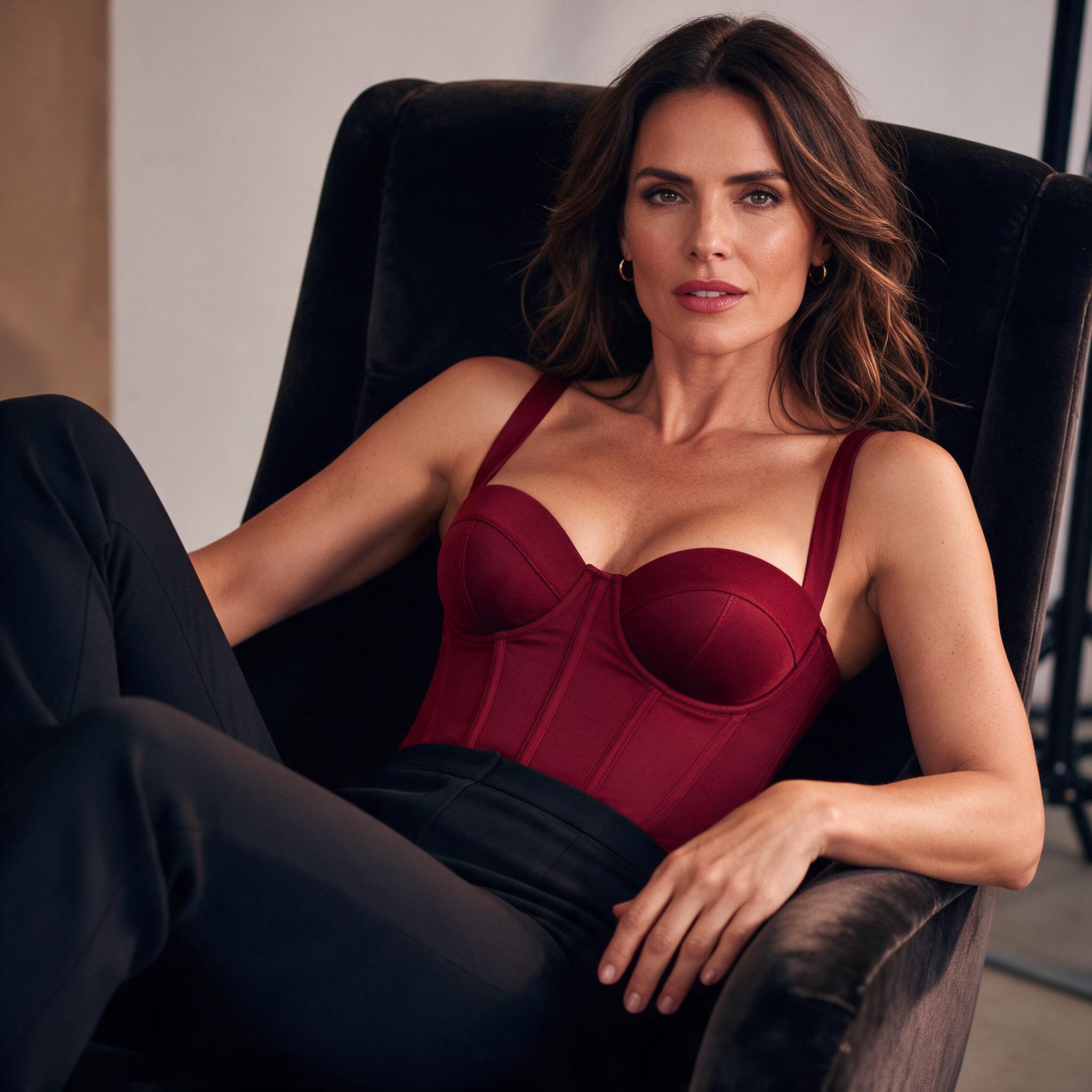
SayAll publishes this comparison and makes one of the products. The table compares official documentation. The two pictured outputs are SayAll editorial examples from a single model, not a three-platform benchmark.
Inspect two outputs before choosing
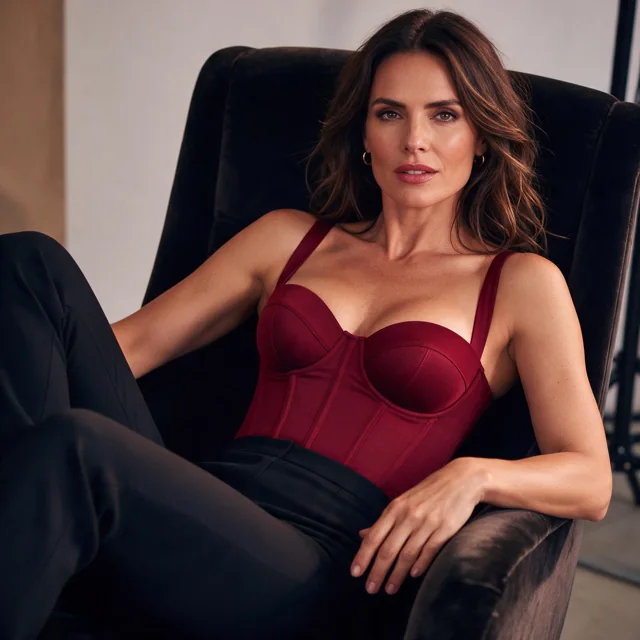
The square portrait follows the burgundy top and black trousers in the brief, and the chair frames the figure. The output shows one hand clearly and crops the other. If the job needs both hands visible or a full seated pose, this framing misses that requirement. Open the full-size portrait to inspect the clothing and chair edges.
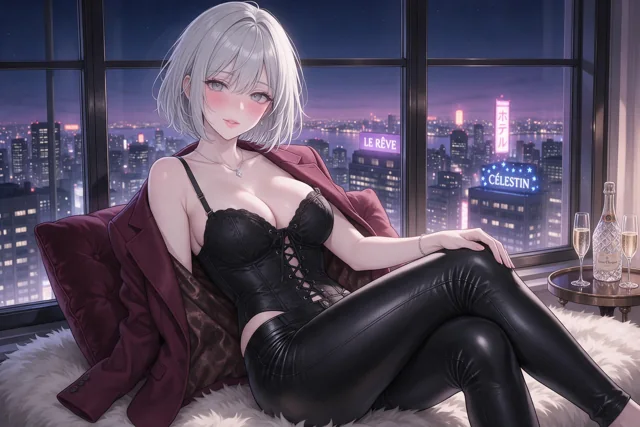
The wide illustration is a separate brief. Look for enough space around the figure and readable shapes against the city lights. Since the subject, style, and framing differ between examples, these outputs illustrate two possible briefs. They do not isolate any setting or estimate a success rate. The prompt gallery shows the matching text and recorded settings.
Run the same brief on your shortlist
Pick a task you actually need, such as a square editorial portrait of an adult fictional character. Fix the prompt, requested ratio, and number of attempts across the tools you can access. Record the model and final resolution, including defaults that cannot be matched. Keep every result, including errors and refusals, rather than saving only the strongest picture.
Score three things separately: whether the output kept the requested subject and framing, whether it produced a file you could use, and how much it cost to get that file. If a tool bills each accepted generation, two paid attempts for one usable result count toward that result's cost. Note refunded or uncharged requests separately so they don't inflate the comparison.
Set the finish criteria before generating. For a portrait card, that could mean both eyes clearly visible and the shoulders inside the crop. For a wider illustration, check that the figure and one background detail are legible. A tool that repeatedly misses a required detail should stay below one that meets the brief, even if its best single image looks sharper.
For an edit, start a separate test with the same source image and the same requested change. The reference editor comparison includes a before-and-after example and shows what to inspect. To start with a zero-payment budget, check the free generation guide for eligibility and limits.
Open the SayAll image generator
Start in text-to-image mode and check the model and estimated Credits before you generate.
Open ImagesFAQ
Questions about this topic
Sources
Sources and references
Editorial note
How this guide is maintained
The SayAll Product Team reviews product-specific statements against the current application and dates the latest check. Category guidance is educational rather than a promise that every model response will behave in a particular way.
Found an error or a product fact that changed? Email support@sayall.ai.